
Itinerary builder
A day-wise itinerary builder for travel agents.
Build the days on your phone or your laptop, from a template or from nothing, and send an itinerary PDF in your logo and colour while the customer is still on WhatsApp.
What is an itinerary builder for travel agents?
It is where an agent writes a trip day by day and sends it to the customer. In Triplli each day has a title, timings, and the sightseeing, transfers and meals tapped from your catalogue. Start from a saved template or from nothing, then send the itinerary PDF in your logo and colour on WhatsApp.
Day editor
Days you tap together, not type out.
Each day is a title, start and end timings, and the sightseeing, transfers and meals tapped from your catalogue. Anything you type that is not in the catalogue yet is remembered for the next trip. The editor is the same on a phone and a laptop.
- Start and end timings on every day
- Drag to reorder, on the phone as well
- Items from your catalogue, which fills itself as you type

AI itineraries
A new route, written for you to check.
On Standard and Pro, type a destination and the number of days, say Bali from Delhi for five days through Ubud and Seminyak, and Create with AI writes the days: the cities in order, start and end times, one to four activities a day, and notes on travel time, what to carry and where to eat, with library photos of each day's city. On a ticket it also asks the people, the transport and whether you want hotels, then suggests hotels and transport with an approximate cost on everything. Untick what you do not want and the ticket fills in, with each cost marked in red as an AI price until you check it. On Templates it saves days and activities only, with no prices, so the next lead for the same trip starts from it in one tap. 100 a month on Standard, 250 on Pro, and 80 more for ₹199 + GST.
- Cities, timings, activities and notes for every day
- Hotels and transport on a ticket, with approximate costs
- Costs marked as AI prices until you check them; the marks never print

Templates
Write Rajasthan 5 days once. Send it all season.
Most agencies sell the same circuits again and again. A template holds the days, the timings and up to three photos a day, so the next customer's itinerary starts finished and you change only what is different. Put a template on its dates with seats and your prices and it is a fixed departure: each booking you confirm takes its seats and the seats left count down. On Standard and Pro, any template or departure becomes a marketing PDF with your highlights, for WhatsApp status, Instagram or print.
1Open a ticket
Type the customer's name. That is the only thing required to start.
2Import a template
Pick a trip you have written before, like Rajasthan 5 days. The days, timings and photos come with it.
3Adjust the days
Drag a day to reorder it, change a timing, tap in a transfer or a sightseeing stop from your catalogue.
4Send the PDF
Make the itinerary PDF and tap Share on WhatsApp. The chat opens with your message and you press send.
Itinerary PDF
An itinerary with your name on it, and no money.
The itinerary carries the days and the photos, in your logo and brand colour, in one of nineteen designs. It never shows a price, so you can send it before you quote, and the estimate follows from the same ticket when you are ready.

Udaipur and Jaipur
12-16 Dec 2026 · 2 adults, 1 child · 5 days
- Day 1Arrive Udaipur, evening boat on Lake Pichola
- Day 2City Palace, Saheliyon ki Bari, Bagore ki Haveli show
- Day 3Drive to Jaipur via Ajmer
Made with Triplli
Itinerary for Kavita Rao
Udaipur and Jaipur
T-0142- Day 1Arrive Udaipur, evening boat on Lake Pichola
- Day 2City Palace, Saheliyon ki Bari, Bagore ki Haveli show
- Day 3Drive to Jaipur via Ajmer
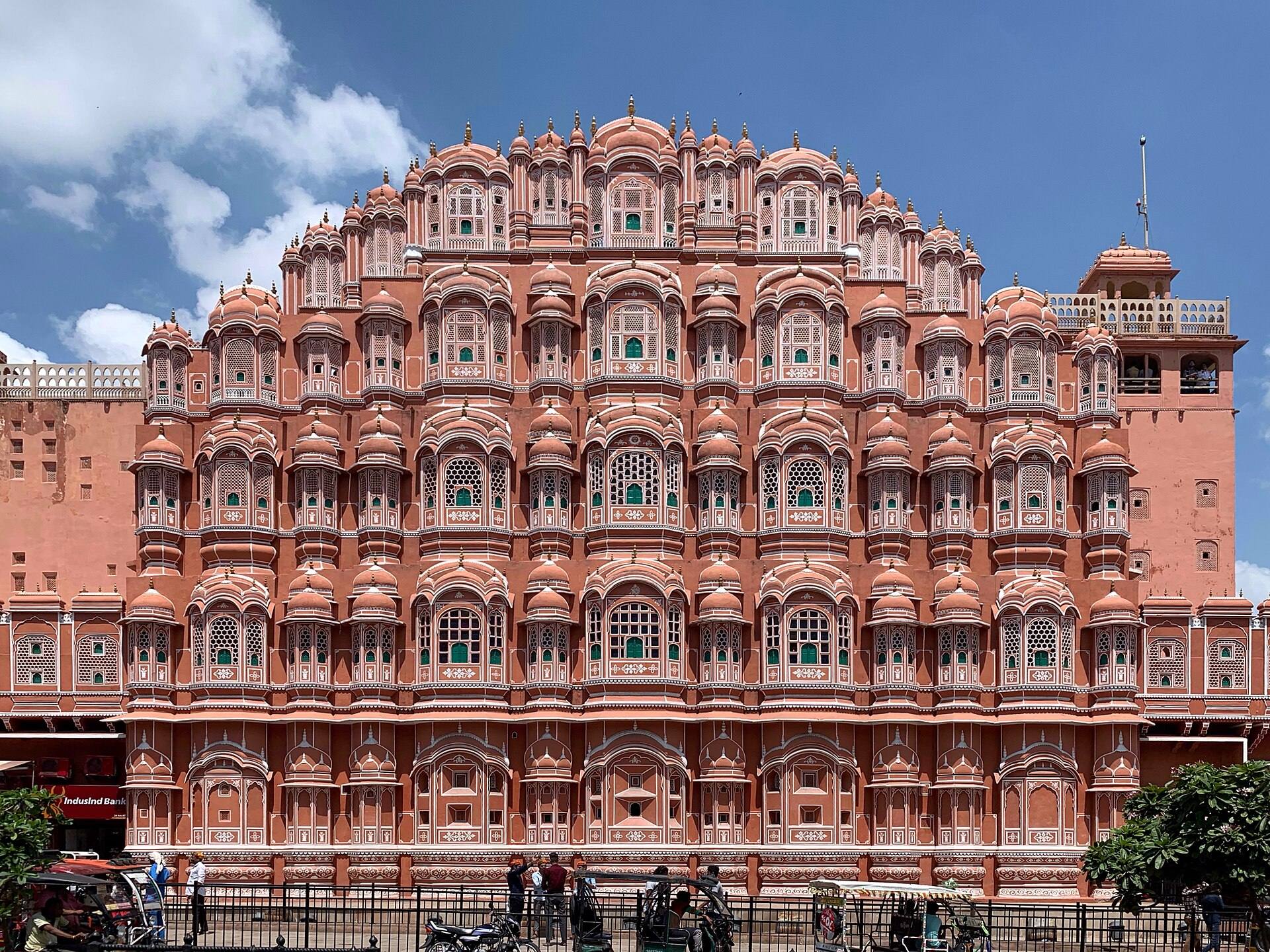
- Day 4Amber Fort, Hawa Mahal, Johari Bazaar
- Day 5Drop at Jaipur airport
Made with Triplli
Udaipur and Jaipur
Itinerary for Kavita Rao · 12-16 Dec 2026
- 01Arrive Udaipur, evening boat on Lake Pichola
- 02City Palace, Saheliyon ki Bari, Bagore ki Haveli show
- 03Drive to Jaipur via Ajmer
- 04Amber Fort, Hawa Mahal, Johari Bazaar
- 05Drop at Jaipur airport
Made with Triplli

Itinerary for Kavita Rao
Udaipur and Jaipur

Made with Triplli
Options
By road or by helicopter, on one ticket.
A ticket can carry options side by side, and each option has its own days as well as its own prices. By road can be seven days and by helicopter five, without forcing them into one plan. Send them together or one after another, and mark the one the customer picks.
Guides
Itinerary and quotation formats.
- Tour package quotation formatWhat a quotation holds, section by section, with a free Excel costing and quotation template.Read
- Travel quotation templateA free Word quotation template for domestic, international and group trips.Read
- Itinerary format for travel agenciesA day-wise itinerary layout customers read, free as a blank PDF, a filled sample and a Word file.Read
- Day-wise itinerary formatWhat goes in each day of an itinerary, with worked days for a hill station, a beach, Dubai and a pilgrimage.Read
- How to make a travel itinerary for clientsFrom the first message to the PDF on WhatsApp in seven steps, and how to stop writing the same trip twice.Read
What is an itinerary builder for travel agents?
Software that lays out a trip day by day and turns it into a document the customer can read. In Triplli each day is a title, start and end timings, and the sightseeing, transfers and meals you tap from your catalogue. The itinerary PDF goes out in your logo and brand colour.
Can I make an itinerary on my phone?
Yes. The day editor is built for a phone and a laptop equally, drag to reorder included. Start the days on the phone and finish them on the laptop; it is the same ticket.
Can I reuse itineraries I have made before?
Yes, as templates. Write a trip you sell often, like Rajasthan 5 days, once, with up to three photos on each day. Import it on the next ticket and change only what is different.
Can AI write the itinerary for me?
Yes, on Standard and Pro. Type a destination and the number of days, say Bali from Delhi for five days through Ubud and Seminyak, and Create with AI writes the days: cities, timings, one to four activities a day and notes on each. On a ticket it also suggests hotels if you ask for them and the transport, each with an approximate cost; you untick what you do not want, and it fills the ticket with those costs marked in red as AI prices until you check them. On Templates it saves days and activities only, with no prices. Standard includes 100 a month and Pro 250, and 80 more cost ₹199 + GST.
Does the itinerary PDF show prices?
No. The itinerary carries the days and the photos and no money at all. Prices go on the estimate, a separate PDF from the same ticket, which never shows your cost or margin either.
Can I send two versions of a trip, like by road and by helicopter?
Yes. A ticket can carry options side by side, and each option has its own days and its own prices. By road can be 7 days and by helicopter 5. Send them together or one after another.
Can I put my own logo and colours on the itinerary?
Yes. Every itinerary uses your logo and brand colour, in one of nineteen designs. The software's name is one small line at the foot.
Do I have to fill hotels and sightseeing into a catalogue first?
No. Type an item on a day and Triplli remembers it for the next trip. You can also paste a supplier rate list from email or WhatsApp.
How do I send the itinerary to the customer?
Make the PDF and tap Share on WhatsApp. The chat opens with your covering message and you press send. Triplli never messages a customer on its own.

Your next enquiry is already typing.
Send us your agency name and city. We set up your logo, your colour and your UPI QR, and you can send your first estimate the same day.
hello@triplli.com